Merge partner
Merge partner
If the same customer or supplier has been created twice in Xena, you can merge the two records into one. This brings all history together in one place and removes duplicate entries from your lists.
How to do it
Find and open the partner you want to keep.
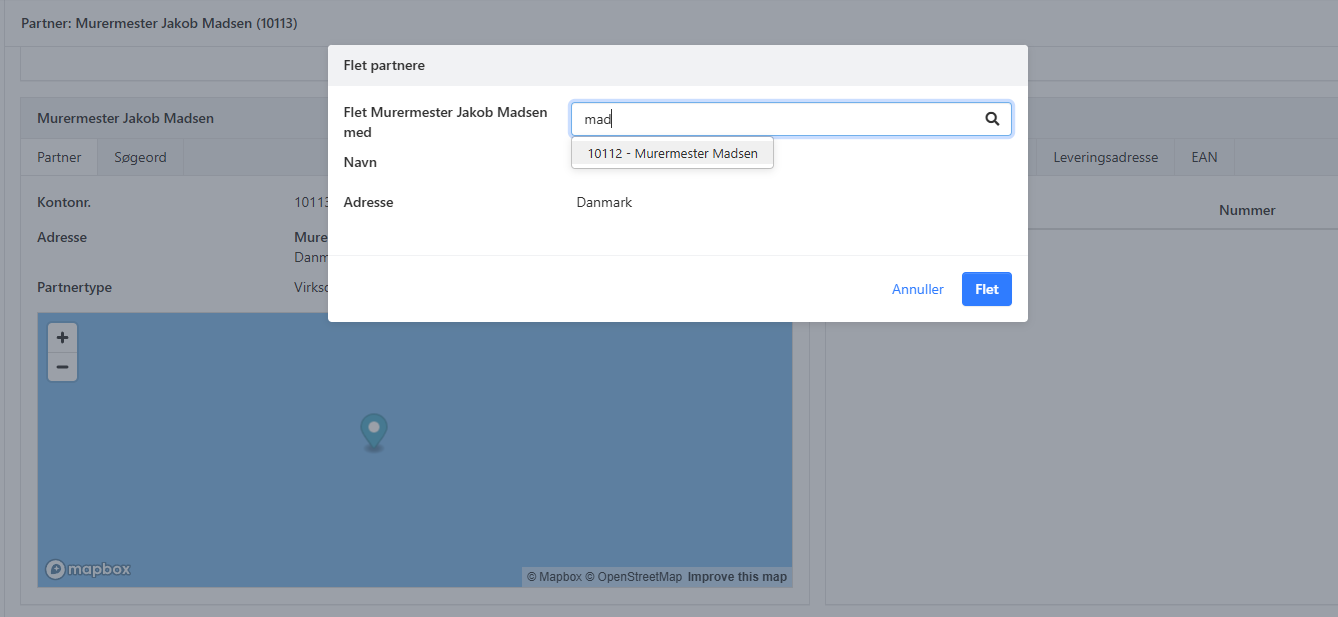
Click the three dots (...) at the top of the address box and select Merge Partner.
Search for the partner you want to delete — the duplicate. Click it in the search results.
Confirm the merge. All invoices, orders and balances from the duplicate are moved to the partner you kept. The duplicate is deleted, and you now have one combined partner with all history.
⚠️ Note: Merging cannot be undone. Check both partners carefully before you confirm.
- Updated